

The near-universal use of computers and new technologies has led to a profound transformation of businesses, particularly in terms of how the workplace is viewed.
Now, the physical office in its traditional form shares space with the digital workplace, also known as the digital workplace. On the agenda: remote work, collaboration, and efficiency.
But how can we better understand this trend and apply it optimally within an organization? We offer this thematic guide to help you gain a clearer understanding.
1. Defining a digital work environment
2. Advantages and Limitations of the Digital Workplace
3. The key features of a digital workspace
4. Successfully transitioning to a digital workplace in 5 steps
Definition of a digital work environment
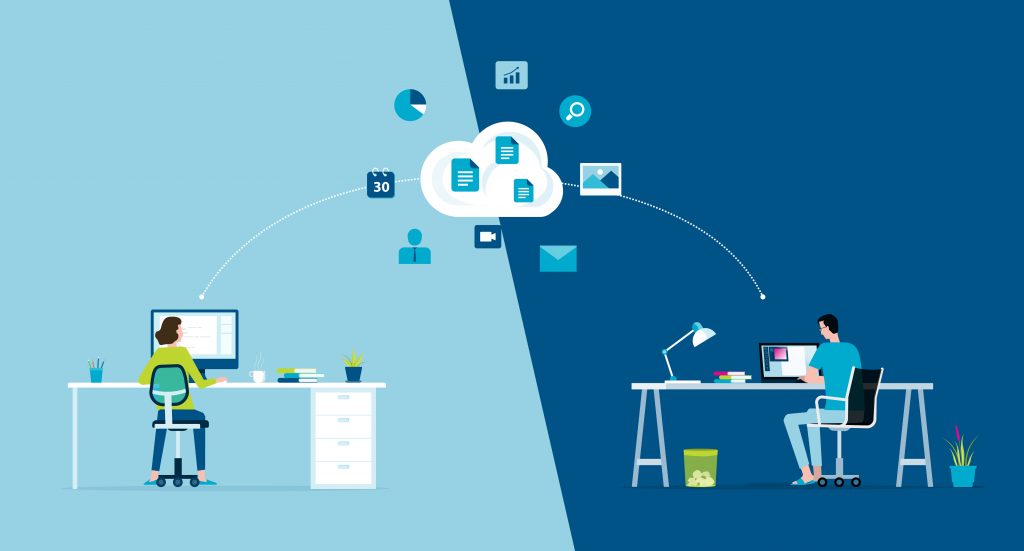
It is difficult to offer a precise definition of the digital workplace, given that it is a broad concept encompassing various ideas and approaches.
Experts in the field now agree that the term “digital workplace” refers to the transformation of the workplace through new technologies, with the aim of improving how a company operates.
By integrating people with digital transformation, as well as with business processes, a digital workplace enables unite the entire workforce around a central digital platform : knowledge, collaboration, communication, and productivity are all challenges that the digital workplace seeks to address.
Where other platforms focus on communication or collaboration centered around document sharing, DAMAaaS is unique in that it centralizes the design and use of a multitude of applications —data, documents, business processes, and interactions—all within a single , fully secureenvironment .
What a digital workplace is NOT
It is not uncommon for abbreviations to be used when referring to the concept of digital workplace. Among the most common sources of confusion are: the intranet, an office suite, or even a catalog of tools to draw from.
Comparing a digital workplace to a “simple” virtual office is a mistake.
In reality, it is a subtle bridge between employees and their everyday work tools used in their daily work, all brought together in a centralized environment. Its goal is to promote agility and collaboration while offering an optimal user experience.
Advantages and Limitations of the Digital Workplace

Let’s now take a look at the various benefits offered by a digital work environment, but also at the potential drawbacks and limitations inherent in its use.
Many advantages…
- Offer employees more flexibility
A work environment that’s accessible anywhere, anytime. This is a promise that’s more relevant than ever in the midst of a global health crisis. The ability for employees to work wherever and whenever they want (in compliance with company policies) is a true paradigm shift for many organizations, which have long been confined by default to a much more traditional, location-bound—and often less efficient—way of operating.
- Improve internal communication & foster collaboration
In a world where information moves at lightning speed, companies can no longer afford to stick with outdated communication methods. The systems offered by a digital work environment enable fast and efficient communication, while minimizing the risk of oversights (such as emails getting lost, to name just one example…).
Remote work has its benefits, but the distance separating a team can quickly limit its effectiveness. To address this issue, digital workplaces are now equipped with various collaborative tools that allow different employees can work simultaneously or interact around and on a unified, shared dataset
Damaaas is particularly well-suited for remote work and collaborative work. The solution is hosted as SaaS. This means that all documents and data are stored in a secure cloud. Regardless of the situation, users can log in and continue working whenever and however they choose, while benefiting from granular access rights management and precise tracking of each user’s actions, ensuring document confidentiality and the continuity of projects.
- Improve performance
Yes, a digital workplace delivers overall efficiency gains: easy access to information, a seamless user experience, fewer tools to master, and a native mobile interface are among the key features of a digital workplace designed to boost business productivity.
This increase in productivity also benefits customers, who are now dealing with more knowledgeable staff.
- Reduce operating costs
By replacing in-person meetings (where possible) with “video conferences,” many costs can be reduced, such as transportation or the use of a dedicated meeting room.
By eliminating (or reducing) the use of paper in favor of digital files stored in the cloud (or in an internal document management system), it is also possible to drastically reduce or even eliminate certain expenses : reams of paper, the purchase and maintenance of printers, ink cartridges, as well as storage files—not to mention the space dedicated to storage.
Finally, the digital work environment is generally associated with the SaaS model, which typically requires few human resources to manage on a day-to-day basis, freeing up IT departments to focus on other priorities.
- Promote knowledge sharing
The departure of an employee can result in a significant loss of knowledge (and thus of performance) within a company. Far from being a mere fantasy, the issue of knowledge transfer is of crucial importance : how can we teach new hires best practices and what to avoid if nothing is documented? How can we update an in-house tool if the developer left no information behind? How can we avoid costly training on a complex tool if the key commands to know haven’t been listed?
A digital work environment capable of interconnect with EDM (Electronic Document Management) tools is incredibly effective: faster skill development, fewer requests for explanations… the list of benefits goes on!
- Improve cybersecurity
Let’s conclude by looking at the security benefits of a digital work environment. The ever-increasing volume of data posesserious risks that can compromise the integrity of information that is sometimes strategic.
Although a digital workplace is not specifically designed for cybersecurity, it often includes several useful features, such as the creation of predefined access levels to certain data, a comprehensive change log, or even an identity management system to speed up logins to various tools while strengthening password security. Other options can also be considered: connection protection, monitoring of wired infrastructure, securing employee-related data…
DAMAaaS centralizes various applications within a single technological environment and, along with them, all processes, data, and interactions carried out within the platform, with a focus on Business Process Management (BPM). This approach significantly enhances the overall security of the environment compared to systems that rely on a proliferation of connections, integrations, and data sharing: our application uses proven technologies (MariaDB, PHP, HTML, etc.), with the ability to encrypt critical data end-to-end and host it on a dedicated server.
…But there are also some limitations to consider
- Potential security risks
The issue of data security is well known: a breach in a complex system such as a digital work environment can have serious consequences. This is especially true for a digital workplace, since its operation is based on centralized data, which must be protected at all costs from the risk of hacking.
The question of digital sovereignty must therefore be addressed, since many of the tools that make up a digital workplace store data with AWS (Amazon). A sovereign solution allows you to maintain full control over data (including sensitive data), and prevent its interception or access by other countries, particularly and above all the United States (which, following the passage of the Cloud Act in 2018, can seize information stored outside its territory in certain cases).
Choosing a digital workplace that uses a sovereign cloud ensures that data is hosted and processed in France, in strict compliance with national regulations regarding data protection.
- The Challenging Evolution of the Management Model
Resistance to change is a common phenomenon and very common in companies: the fear of the unknown and of having to change one’s habits following the launch of a new work environment can lead to varying degrees of reluctance among some employees. To reduce these tensions, managers must adjust their approach and adopt a facilitator role, taking the time to explain the reasons behind the change, but above all by highlighting the expected benefits.
- Price increases to keep in mind
As technology evolves, IT costs tend to rise: updates, new integrations into the digital work environment… Not to mention the costs directly associated with subscriptions or software license purchases.
Let’s put this “drawback” into perspective, however, since these cost increases driven by the “all-digital” shift are generally offset by savings on the “physical” side—premises, equipment, heating, and so on.
Most software vendors are also transparent about the length of commitments (if any), as well as any clauses related to price changes.
With DAMAaaS, there’s no need to purchase a license—instead, you pay a subscription fee based on usage, not the number of users. Billing is billed monthly based on units consumed in the previous month. To build your MVP (Minimum Viable Product), the app design phase is free for up to 10 stored forms: you can test and get familiar with the environment before signing a contract. Purchasing units in bulk and in advance allows you to benefit from volume discounts based on the number of units purchased. This also helps reduce the number of invoices to process. Note also that there is no commitment with DAMAaaS—freedom is often the best way to build loyalty!
The key features of a digital workplace
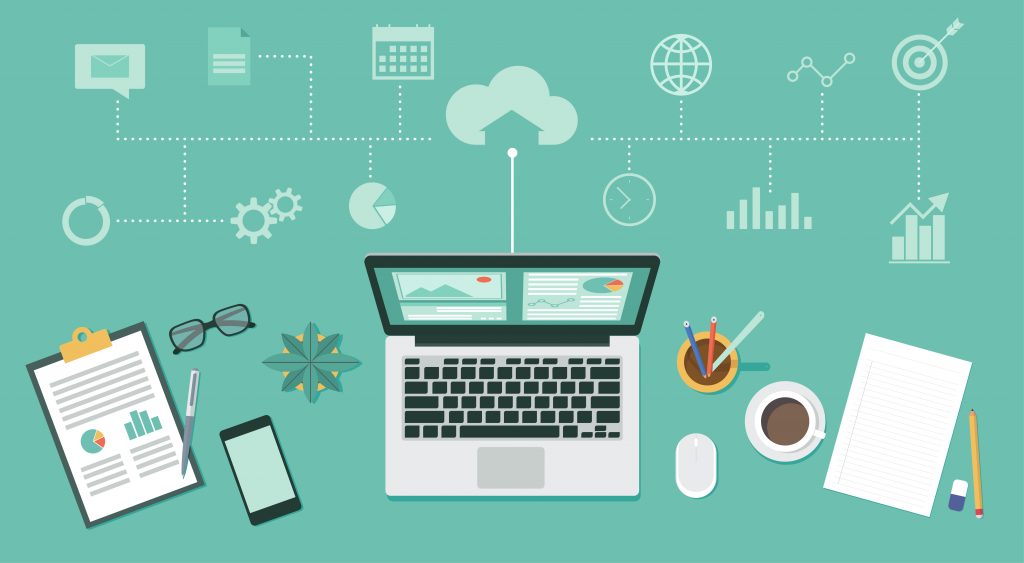
Digital workplaces offer a wide range of features. There are several essential features (“Core Features”) that are common to most of them.
- Content managementvia an ECM (Enterprise Content Management)system, combined with an internal search engine that allows users to quickly find the information they need.
- A knowledge-sharing module to facilitate knowledge transfer between teams and accelerate the skill development of new hires (tutorials, FAQs, best practices, etc.).
- An EDM system that is either integrated or connected via links to internal IT systems—to manage all document-related processes, from creation to archiving, including digitization if necessary.
- A project management system, to get a clear picture of the progress of various projects. It should be noted that agile organization (using the KABAN method) is now the preferred approach.
- Tools to make day-to-day work and communication easier : video conferencing, instant messaging, collaborative office software…
5 Steps to Successfully Transition to a Digital Workplace
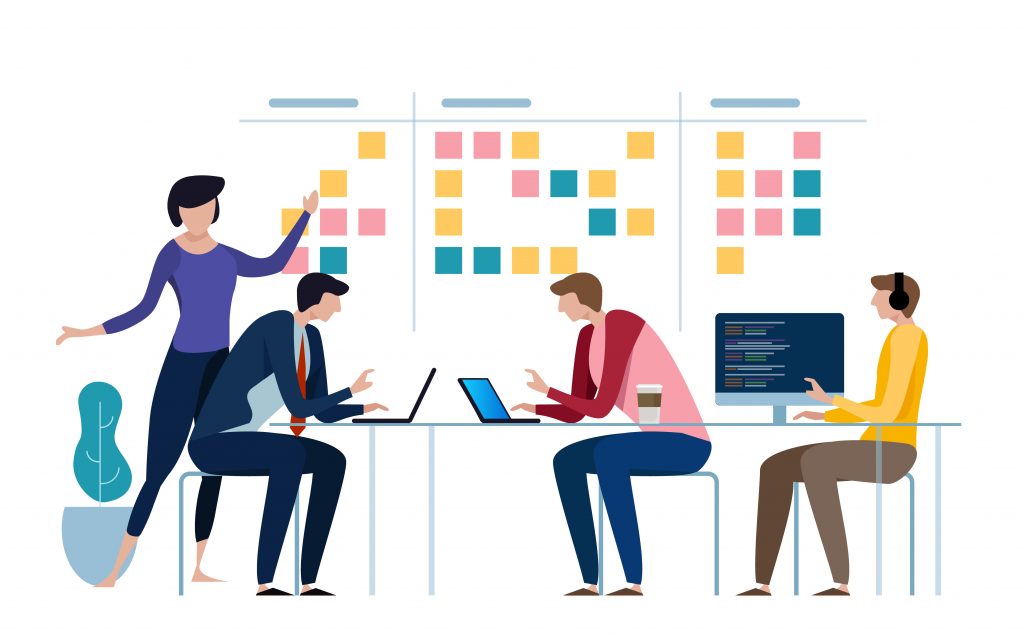
1. Adopt a comprehensive approach & conduct a comprehensive assessment
Before throwing yourself wholeheartedly into a digital workplace project, it is necessary to go through a planning phase.
- What is the current situation?
- What needs have been identified? Are there any others that can be identified?
- Will the project affect the entire company or just certain teams?
2. Don’t overlook the human element: the key word is “engage”!
Technology is meant to serve people, not the other way around! Be careful not to drift toward an approach that prioritizes maximum productivity at any cost.
For a successful rollout, it is essential to involve the employees affected by the project. Do they have specific needs that haven’t yet been identified? Is the phenomenon of shadow IT prevalent in the company, and if so, what lessons can be learned from it?
Holding brainstorming sessions dedicated to defining the project scope is generally an excellent initiative, from which new ideas can emerge.
3. Define the requirements for selecting the solution
Next comes the phase of defining requirements in the specifications. This document formalizes the expectations; therefore, the level of detail must be sufficient to allow a service provider to fully understand the challenges the solution must address. But it also embodies the convergence of visions within the company and the agreement of the project participants to work toward the stated outcome.
It is also at this stage that the direction of a digital work environment is chosen: should it be focused on documents, data, or the digitization of work processes? A myriad of small interconnected applications or the use of a few very comprehensive tools?
4. Facilitate the transition
Once a decision has been made regarding the type of solution, the process of support and awareness-raising must be implemented among the user teams to address criticism and potential resistance. As we saw earlier, managers play a major role at this stage, but that is not enough.
Changing work habits does, in fact, require time and effort. To foster ownership of a digital work environment, access to training is an absolute priority : employees become operational more quickly and are therefore able to carry out their daily tasks more efficiently, reducing frustration stemming from unfamiliarity with the interface…
The sooner employees are trained to use their new work environment, the sooner they can get back to their normal routine and contribute to the company’s growth (which, let’s not forget, is the ultimate goal of implementing a digital workplace).
With DAMAaaS, we do everything we can to facilitate the transition and increase adoption of the Digital Workplace. Our consultants do not work from functional specifications. Instead, they support their clients using an approach based on Design Thinking and agile methods in 3 steps.
Phase 1: Introduction to the tool; understanding needs and expectations.
Phase 2: Co-development of the application with our clients.
Phase 3: Testing, deployment, and bug fixes as needed. A support plan is then offered to help evolve the tool as needed.
5. Conduct a ROI analysis
Launching a new work environment doesn’t mean the project is over!
After a few weeks of observation and getting up to speed, it’s time to take stock: success? Failure? Areas for improvement? Have the goals set at the start of the project been achieved? Numerous analytics modules provide valuable insights on the use of the various components. Scheduling discussions with the teams is also an excellent way to gather concrete feedback.
With this information, initial improvements can be made to the system, thereby initiating a process of continuous improvement.
Now more than ever, the digital workplace holds a prominent place among the disruptive developments of digital transformation. It is highly unlikely that we will ever go back.
But to get the most out of it, be sure to choose wisely! Opting for the market-leading solution isn’t necessarily the best strategy : very often, these tools are built on a rather rigid model. Companies with highly specific business needs may therefore find themselves forced to adapt to “off-the-shelf” solutions, which are supposedly faster to deploy—a real irony.
The solution? Partner with a provider capable of work collaboratively with you to create a custom system tailored to your needs.